Taps fail occasionally. A phone stays locked, a customer swipes past the tag, a handset has NFC switched off. None of that has to end with somebody walking out without their stamp, because every stamp a tap can give, a member of staff can give another way.
The fallback is a scan, and the stamp is the same.
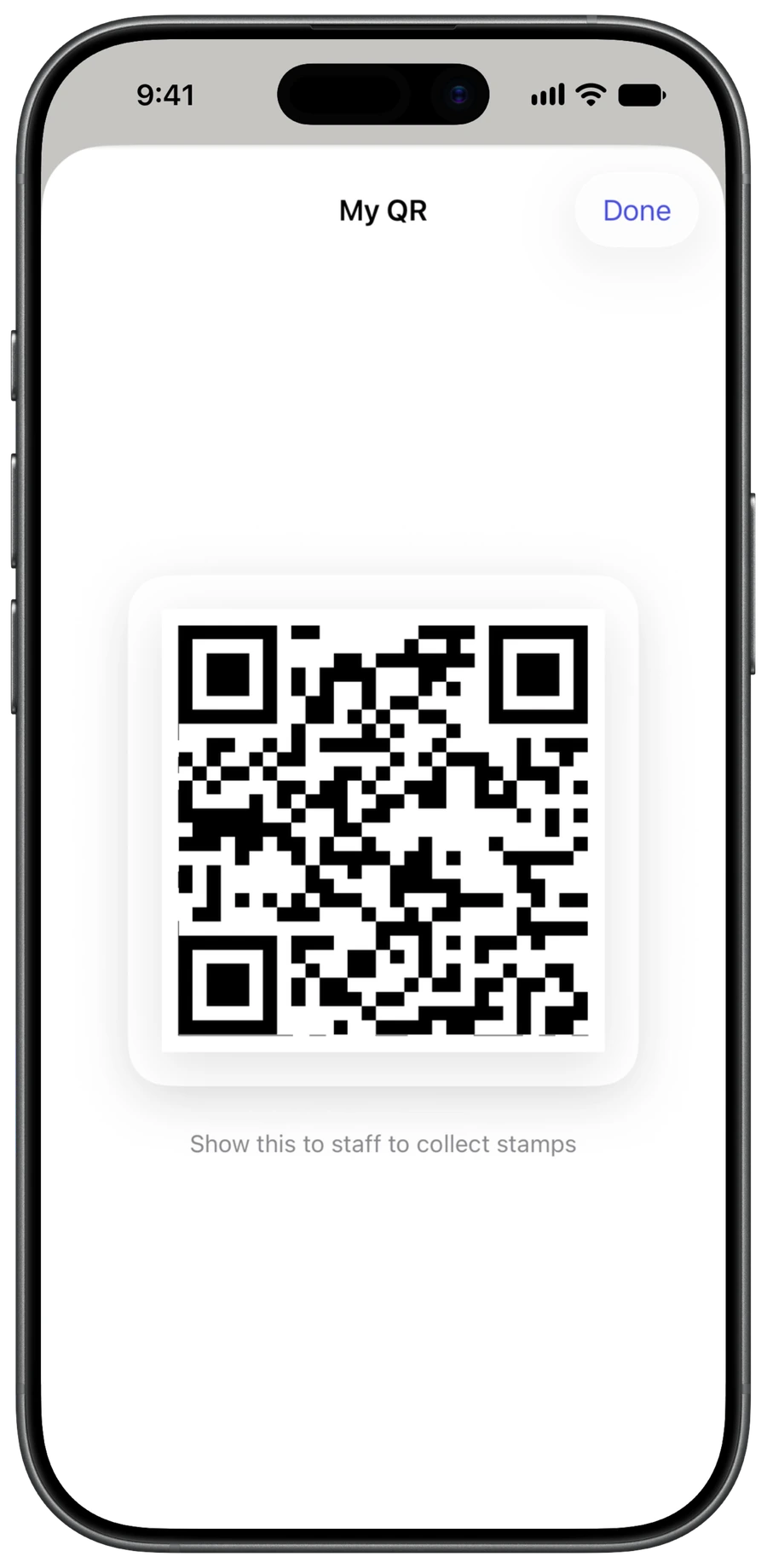
A member of staff opens the scanner in the app, enters their PIN, and reads the QR code on the customer’s card. The stamp lands exactly as a tap would: the same card, the same cooldown, the same server-side validation, the same append-only ledger. Nothing about it is marked as second best, and the customer sees the same collect sheet.
The customer’s side of this works without a signal. Their stamp code sits on the card screen in the app and stays there whether or not the phone has data, so a flat patch of coverage in your back room does not stop a stamp.
The ordinary reasons a tap does not land.
The phone was not unlocked.
Ask the customer to wake and unlock the phone, then hold it to the tag again. This is the cause most of the time.
The tag is not the one you registered.
Only tags registered to your venue give stamps, so a spare from the drawer does nothing until it is registered. Register it in the app by tapping it once. See tags and the tap.
The phone moved too quickly.
Ask for the top of the phone, held still on the tag for about a second. A swipe past it is usually too brief to read.
An NFC setting is off.
On Android, NFC can be switched off in the phone’s settings; switching it on fixes it. On any phone, the customer can open their card and use Tap to collect from inside the app instead.
A second stamp in a minute is meant to fail.
Each card has a cooldown, and each has a daily cap. If a customer taps twice in the same minute, the second stamp will not land, and that is the programme working, not a fault. It is what keeps a ten-stamp card worth ten visits.
Say it plainly and it never becomes an argument: “One stamp a visit on this card, so you’re set until next time.” No apology and no blame. It is a rule of the card, decided by you, and the customer’s progress is already saved.
Putting it right when we got it wrong.
When the tap genuinely failed, when a card was missed during a rush, or when a customer was owed a stamp and did not get one, the scan is the answer: open the scanner, enter the PIN, and read the QR on their card. It goes into the same ledger as every other stamp, so it appears in your activity and nobody’s history is rewritten. Use it freely. A stamp given back costs you far less than an argument at the counter.
Tell your team this.
If a tap does not land, open the scanner and read the QR on their card; the stamp is identical. Ask them to unlock the phone and hold the top of it still on the tag for a second. If a second stamp will not land in the same visit, that is the cooldown rather than a fault, so tell them it is one stamp a visit. If we got it wrong, give the stamp with the scanner and the PIN, because nobody leaves here empty-handed.
More questions of this kind are answered in the frequently asked questions
Set the tap up once and your counter runs itself.
Start now